Qwen 3.6 27B vs Gemma 4 26B: Which One Actually Writes Better Code?
Qwen 3.6 27B vs Gemma 4 26B: Which One Actually Writes Better Code?
The era of paying $20–$40 a month just to autocomplete a function is ending. Developers are moving to private, open-weight models — hosted locally or on dedicated cloud hardware — to keep their code private, cut their bills, and stop depending on a company that can change its pricing model overnight.
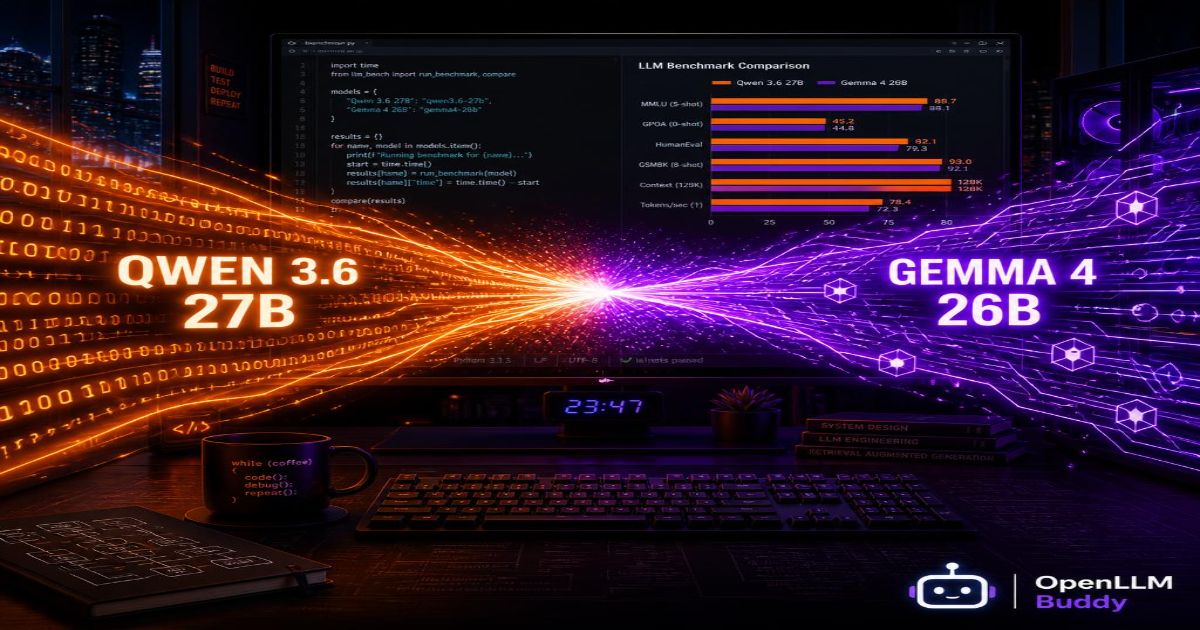
Two models are dominating that conversation right now: Qwen 3.6 27B from Alibaba and Gemma 4 26B from Google DeepMind. Both are free to use commercially. Both are genuinely excellent. And they're built completely differently — which means one of them is probably a better fit for how you actually write code.
This post skips the marketing language and tells you exactly what each model is good at.
1. Under the Hood — Two Completely Different Brains
Before we look at benchmark numbers, it helps to understand why these two models behave differently. The architecture explains everything.
Qwen 3.6 27B — The Heavy-Duty Thinker
Qwen 3.6 27B is what's called a dense model. Think of it like a senior developer who focuses their entire mind on every single problem — all 27 billion parameters fire on every word it generates, nothing held back. When you give it a hard bug or a complex multi-file refactoring task, it brings its full cognitive weight to bear.
It also has a unique Thinking Preservation mode — it can hold its logical reasoning chain intact across long multi-turn conversations. If you're debugging a tricky issue across ten messages, it remembers its own earlier logic and builds on it rather than starting fresh each time.
Dense and deliberate. Better for depth than speed.
Gemma 4 26B — The Speed Demon
Gemma 4 26B uses a completely different approach called Mixture of Experts (MoE). Think of it like a large software company where instead of one developer doing everything, there are 128 specialist teams — and for each task, only the 2–3 most relevant teams get called in. Gemma 4 holds 26 billion parameters on disk but only activates 3.8 billion per response.
The result: it moves extremely fast. Autocomplete feels instant. Line-by-line suggestions appear before you've finished thinking about them. For developer tools where latency is everything, that speed is a genuine competitive advantage.
Fast and efficient. Better for speed than depth.
2. The Coding Scorecard — Benchmark Head-to-Head
| Coding & Logic Benchmarks | Qwen 3.6 27B (Dense) | Gemma 4 26B (MoE) | Winner |
|---|---|---|---|
| HumanEval (Python coding) | 86.4% | 85.1% | Qwen 3.6 (slightly cleaner logic) |
| SWE-bench Verified (real GitHub bug fixes) | 77.2% | ~68.5% | Qwen 3.6 (significant win on complex repos) |
| Context Window | 256K tokens (up to 1M) | 256K tokens | Tie |
| Raw Generation Speed | ~60 tok/s | ~130+ tok/s | Gemma 4 (blazing fast) |
| AIME 2026 Reasoning | 82.1% | 88.3% | Gemma 4 (stronger pure logic) |
| Agentic Tool Use | 86.4% | 86.4% | Tie |
What the numbers actually mean for your workflow:
Qwen 3.6 27B wins where complexity matters most. Its SWE-bench Verified score of 77.2% is the most telling data point in this table. SWE-bench uses real, unresolved GitHub issues from popular open-source repositories — not toy coding problems. A model that fixes real bugs at 77.2% accuracy is genuinely useful in a professional engineering environment. Gemma 4's ~68.5% on the same benchmark is still strong, but the gap is meaningful for complex debugging work.
Gemma 4 26B wins where speed matters most. At 130+ tokens per second, it's more than twice as fast as Qwen 3.6 on generation. For IDE integrations where the suggestion needs to appear before your cursor has moved, that speed difference is the entire user experience. Autocomplete at 60 tok/s feels fine. At 130+ tok/s it feels like the model is thinking in parallel with you.
3. Real Development Scenarios — Which Model Wins What
Frontend UI Work (React, Next.js, Tailwind)
Winner: Gemma 4 26B
Frontend development is fast-paced and iterative. You need a model that suggests the next JSX line while you're still typing the previous one. Gemma 4's speed advantage is decisive here. Its MoE architecture means it can process a component file and return a suggestion before the IDE's autocomplete timeout kicks in.
For straightforward UI patterns — building a modal, wiring up a form, writing a custom hook — the speed gap matters more than the reasoning depth gap. Gemma 4 wins this category comfortably.
Backend Bug Fixing (Python, Node.js, database queries)
Winner: Qwen 3.6 27B
This is exactly the category SWE-bench measures — fixing real bugs in real codebases. When you paste in a stack trace, three related files, and ask the model to find the root cause, Qwen 3.6's dense architecture gives it a measurable edge. It traces execution flow more reliably, catches subtle type errors and async race conditions more consistently, and produces fixes that require fewer follow-up corrections.
For a production incident at 2 AM where you need the right answer on the first try, Qwen 3.6 27B is the model you want in your corner.
Generating Structured API Responses and Database Queries
Winner: Tie, slight edge to Qwen 3.6
Both models handle structured JSON output and SQL generation reliably. For standard CRUD queries and REST response schemas, either works. For complex analytical queries — multi-table joins, window functions, recursive CTEs — Qwen 3.6's deeper reasoning gives it a small consistent edge.
4. The Developer's Dilemma — Speed vs. Hardware Reality
Choosing the right model is only half the problem. Running it is the other half.
Gemma 4's Deployment Twist
Gemma 4 26B's MoE architecture is brilliant for speed, but it creates a specific deployment challenge. The 128 expert teams need to be correctly routed by the inference engine — and if your vLLM configuration doesn't explicitly handle the MoE routing for this specific architecture, you'll see latency spikes or silent slowdowns that make the speed advantage disappear entirely.
It's not hard to configure correctly. But it has to be configured correctly, or the benchmark performance you're expecting won't show up in practice.
Qwen's Memory Wall
Qwen 3.6 27B's full-precision dense weights need significant VRAM. At Q4_K_M quantization it requires 17–18 GB of GPU memory just to load. If you then try to pass an entire web application's codebase — say, 40,000 tokens of context — you're adding another 6–8 GB of scratchpad memory on top of that.
OOM warning on 24 GB GPUs: Loading
Qwen 3.6 27B+ a large codebase context will push right up against the VRAM ceiling of an RTX 4090. You'll likely hitCUDA out of memoryerrors on complex multi-file requests without careful context management. Self-hosting at full capability requires 32 GB+ VRAM.
5. Maximum Coding Power with Zero Setup — OpenLLM Buddy
Here's the honest conclusion from the hardware reality section above: getting either of these models to perform at their full potential on a self-hosted setup requires careful infrastructure work. MoE routing configuration for Gemma 4. VRAM management for Qwen 3.6. Neither is impossible — but both take time that you could spend writing actual code.
OpenLLM Buddy removes that choice entirely.
The platform hosts both Qwen 3.6 27B and Gemma 4 26B on dedicated NVIDIA RTX 4090 and RTX 5090 hardware via RunPod compute — fully pre-optimized, with MoE routing configured correctly for Gemma 4 and VRAM headroom managed for Qwen 3.6's dense weight requirements. You get the performance you expect from the benchmarks, delivered through a clean OpenAI-compatible endpoint.
No token billing. You pay strictly for GPU compute time — and your token consumption is 100% free.
Pass an entire repository into your prompt. Run automated testing scripts all night. Build a multi-step coding agent that loops through 200 iterations. The bill is the same flat rate regardless of how many tokens your workflows generate.
import openai

# Access elite, pre-optimized coding models — zero token charges
client = openai.OpenAI(
    base_url="https://api.openllmbuddy.cloud/v1",
    api_key="YOUR_OPENLLM_BUDDY_KEY"
)

# Pick the right model for the task
response = client.chat.completions.create(
    model="qwen-3.6-27b",       # for deep debugging and complex bug fixes
    # model="gemma-4-26b-a4b",  # for fast autocomplete and UI generation
    messages=[
        {"role": "system", "content": "You are an expert software engineer."},
        {"role": "user", "content": "Find the race condition in this async handler: [paste code]"}
    ],
    temperature=0.1
)
Flat pricing — pick the model for the job:
| Plan | Qwen 3.6 27B (RTX 5090) | Gemma 4 26B (RTX 4090) |
|---|---|---|
| 11 Hours | $14 | $10 |
| 24 Hours | $31 | $22 |
| 1 Week | $212 | $150 |
| 1 Month | $845 | $599 |
Both plans auto-terminate on uptime quota — no idle overnight billing.
The Verdict — Which One Should You Use?
| Your situation | Best model |
|---|---|
| IDE autocomplete, fast suggestions | Gemma 4 26B |
| Complex bug fixing, production incidents | Qwen 3.6 27B |
| Passing large codebases as context | Qwen 3.6 27B (deeper reasoning) |
| Multi-step coding agents | Either — both score 86.4% on agentic benchmarks |
| Budget is the priority | Gemma 4 26B ($22/24h vs $31/24h) |
The good news: you don't have to commit permanently. Both are available on OpenLLM Buddy — swap the model parameter in your code, run both on the same tasks, and let your actual workflow data make the decision.
Connect your editor to OpenLLM Buddy today. No laptop noise. No VRAM math. No token invoices. Just the coding model that fits your task, running at full speed.