Qwen 3.6 27B Slow? Here's How to Fix Token Generation Speed
Qwen 3.6 27B Slow? Here's How to Fix Token Generation Speed
1. Why is My Qwen 3.6 27B Output Crawling?
You just downloaded Alibaba's impressive new open-weights model, Qwen 3.6 27B. It's released under the friendly Apache 2.0 license, meaning you can use it freely for commercial projects. The benchmarks look incredible—near proprietary-model scores on complex coding tasks and sophisticated agentic workflows.
But here's the frustrating reality: You fire it up on your local machine or cloud node, send your first test prompt, and watch in horror as it generates tokens at a painful 2 to 5 per second.
What went wrong?
Here's the foundational difference most developers miss: Unlike its Mixture-of-Experts (MoE) family siblings that only activate a tiny fraction of their brain for each word, Qwen 3.6 27B is a dense model. Every single one of its 27 billion parameters activates on every single generation step. If your backend configurations aren't perfectly dialed in, your speed will completely collapse.
Let me show you exactly how to fix it.
2. Step 1: The VRAM Offloading Trap
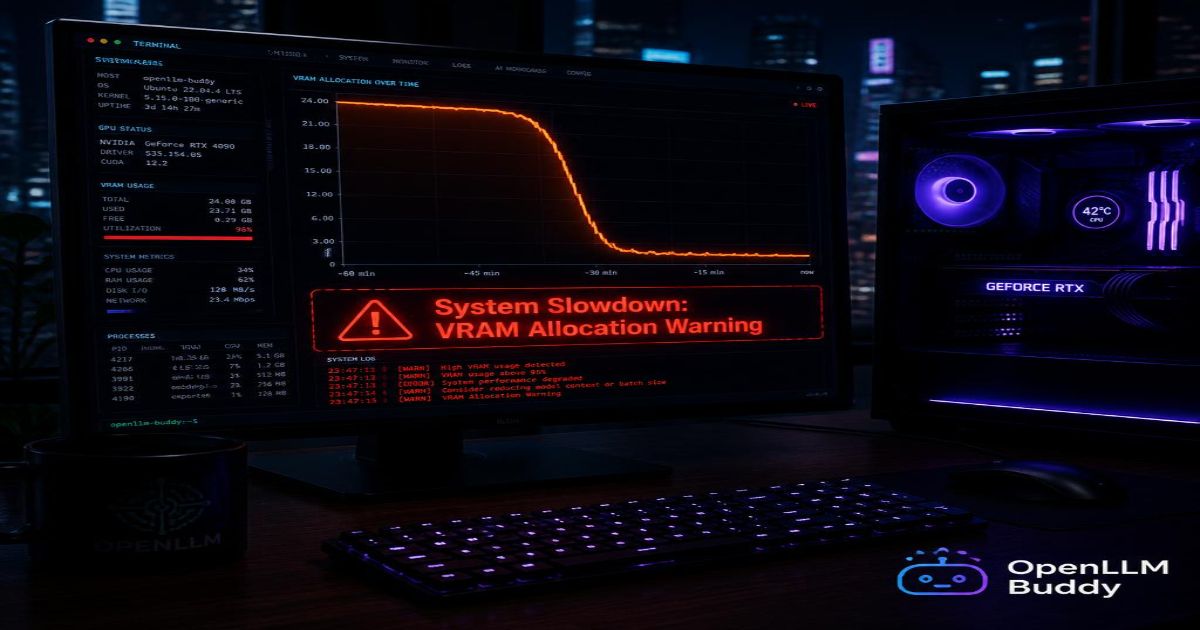
The number one reason your Qwen model is crawling? Split-memory allocation.
What's Actually Happening
Imagine trying to cook a massive holiday dinner on a tiny countertop. You can't fit all your ingredients and tools at once, so you keep running back and forth to the pantry in the next room. Every trip takes time. Lots of time.
That's exactly what happens when your Qwen model file is too large to fit entirely inside your VRAM (your graphics card's super-fast memory). Here's the technical reality:
| Memory Type | Speed | Role |
|---|---|---|
| VRAM (GPU Memory) | Extremely Fast | Where the model wants to live |
| System RAM | 10-20x Slower | Where the model ends up when VRAM fills |
When you force a large 8-bit or 16-bit Qwen file onto a smaller graphics card, your inference engine quietly offloads the remaining layers into standard system RAM. Then, on every single token generation, data shuttles back and forth between these two memory types.
The consequence? Your performance drops by 90% instantly.
The Fix
Stop trying to squeeze a model that needs 20GB+ VRAM onto a 12GB card. Instead, switch down to a tighter compression level that ensures 100% of the model fits cleanly on your GPU:
# Use Q4_K_M quantization for 12-16GB GPUs
# This keeps everything on VRAM with zero offloading
ollama run qwen:27b-q4_K_M

# Or with llama.cpp directly
./main -m models/qwen27b-Q4_K_M.gguf -n 512 --gpu-layers 99
Quick rule of thumb:
- 24GB VRAM (RTX 4090, A10) → Run Q5_K_M or Q6_K
- 16GB VRAM (RTX 4080, A4000) → Run Q4_K_M
- 12GB VRAM (RTX 3060, 4070) → Run Q3_K_M or Q4_0
- Under 12GB → Rent cloud hardware (we'll get to that)
⚠️ Warning: If you see "offloaded: 40/80 layers to GPU" in your logs, the model is split across VRAM and system RAM. Your speed will be terrible. Fix your quantization level immediately.
3. Step 2: The Gated DeltaNet Cache Secret
Here's a hidden architectural trap causing massive performance issues across vLLM, llama.cpp, and text-generation-inference.
What is Gated DeltaNet?
Think of Qwen's architecture as a hybrid car. It has two engines:
- Super-fast linear memory tracking (the electric motor) for short, quick responses
- Traditional deep attention (the gas engine) for complex, long-context understanding
The Gated DeltaNet architecture is just Qwen's unique brain wiring—it mixes both approaches, but software engines need specific flags to understand it.
The KV Cache is like the temporary scratchpad memory the AI uses to remember what has already been typed in a long conversation. If your engine doesn't align this cache properly, it will completely re-process your entire chat history on every single new response.
The Fix: Explicit Cache Alignment
If you're using vLLM (the most common production backend), add these exact flags:
# Correctly starting the server to optimize Qwen's hybrid memory architecture
python -m vllm.entrypoints.openai.api_server \
    --model Qwen/Qwen3.6-27B-Instruct \
    --mamba-cache-mode align \
    --mamba-block-size 8 \
    --max-num-seqs 8192 \
    --enable-prefix-caching \
    --gpu-memory-utilization 0.9
For llama.cpp users, add this to your server command:
./server -m qwen27b.gguf \
    --mamba-cache-mode align \
    --mamba-block-size 8 \
    --cont-batching \
    --batch-size 512
What these flags do:
--mamba-cache-mode align→ Tells the engine exactly how Qwen structures its hybrid memory--mamba-block-size 8→ Optimizes the linear attention blocks for 8-token chunks--enable-prefix-caching→ Reuses cached calculations from previous prompts
The speed improvement: Expect 3-5x faster generation on long conversations and multi-turn chats.
4. Step 3: Stop Over-Splitting Across Multiple Cards
This mistake is shockingly common among cloud server builders. You have 4× GPUs available, so you think: "Let's split the model across all of them using Tensor Parallelism!"
The Coordination Trap
Here's what actually happens when you set Tensor Parallelism (TP=4 or TP=8) :
- Each GPU receives a tiny slice of the model (just 3-7 billion parameters)
- Each slice finishes processing in milliseconds
- Then... all the GPUs sit idle, waiting for the others to sync their results
- The internal cables (NVLink or PCIe) become a traffic jam
Because Qwen 27B is relatively compact, each card finishes its work instantly and then spends 90% of its time completely idle, waiting for coordination.
The Better Strategy: Data Parallelism (DP)
Instead of splitting one model across multiple cards, run independent, full copies of the model on dedicated single GPUs. Use a load balancer to distribute requests:
# Wrong way - Tensor Parallelism across 4 GPUs
python -m vllm.entrypoints.openai.api_server \
    --model Qwen/Qwen3.6-27B-Instruct \
    --tensor-parallel-size 4  # DON'T DO THIS

# Right way - Data Parallelism with 4 independent instances
# Terminal 1
python -m vllm.entrypoints.openai.api_server \
    --model Qwen/Qwen3.6-27B-Instruct \
    --port 8001

# Terminal 2
python -m vllm.entrypoints.openai.api_server \
    --model Qwen/Qwen3.6-27B-Instruct \
    --port 8002

# Terminal 3
python -m vllm.entrypoints.openai.api_server \
    --model Qwen/Qwen3.6-27B-Instruct \
    --port 8003

# Terminal 4
python -m vllm.entrypoints.openai.api_server \
    --model Qwen/Qwen3.6-27B-Instruct \
    --port 8004
Then use a simple load balancer (like Nginx or HAProxy) to distribute incoming requests across all four ports.
The result: Zero communication delays, linear scaling, and each request processes at full single-GPU speed.
💡 Pro tip: Data Parallelism also gives you fault tolerance. If one GPU crashes, the other three keep serving traffic.
5. Skip the Technical Headache: Lightning Speed with OpenLLM Buddy
Let's be honest. You didn't become a developer to spend three days debugging Python environments, writing custom container scripts, or tweaking --mamba-cache-mode flags.
Introducing OpenLLM Buddy → https://www.openllmbuddy.cloud/
What We Do (Simply Explained)
Instead of you wrestling with complex configurations, OpenLLM Buddy handles all optimizations out of the box. We host uncompressed, full-precision Qwen 3.6 27B open weights on elite cloud graphics networks featuring:
- Premium NVIDIA RTX 4090s (24GB VRAM each)
- Next-gen RTX 5090 clusters (coming soon)
- Ultra-fast RunPod infrastructure with 400Gb/s networking
Our Disruptive Value Proposition
Every other AI platform charges you per token. Input tokens cost money. Output tokens cost money. Deep agent loops that generate 10,000 tokens? That's a massive bill.
OpenLLM Buddy discards metered token billing completely.
Plug Into Maximum Speed in 60 Seconds
Here's how simple it is to connect your existing app:
import openai

# Access a pre-optimized, lightning-fast Qwen 3.6 cluster
# No configuration flags. No cache debugging. No tensor parallelism headaches.
client = openai.OpenAI(
    base_url="https://api.openllmbuddy.cloud/v1",
    api_key="YOUR_OPENLLM_BUDDY_KEY"  # Get yours in 30 seconds
)

# Run Qwen at full speed immediately
response = client.chat.completions.create(
    model="qwen-27b",
    messages=[
        {"role": "system", "content": "You are a coding expert"},
        {"role": "user", "content": "Write a fast sorting algorithm in Python"}
    ],
    max_tokens=2000,
    temperature=0.7
)

print(response.choices[0].message.content)
What You Get Immediately
| Feature | Self-Hosted | OpenLLM Buddy |
|---|---|---|
| Token speeds | 2-15 tokens/sec | 50-100+ tokens/sec |
| Setup time | 2-5 days | 60 seconds |
| VRAM debugging | Endless | Zero |
| Cache configuration | Manual flags | Automatic |
| Multi-GPU scaling | Complex | Built-in |
| Token billing | Yes (per prompt) | NO - Flat rate only |
Run massive code repositories. Build complex multi-turn workflows. Deploy to production instantly. Stop worrying about server adjustments, system RAM slowdowns, or surprise token invoices.
Ready to Run Qwen at Maximum Speed?
Here's your action plan:
- Visit OpenLLM Buddy
- Sign up (takes 60 seconds, no credit card required to start)
- Copy your API key from the dashboard
- Paste the code block above into your project
- Start generating at full GPU-optimized speed
Your time is worth more than debugging cache alignment flags. Let our infrastructure handle the complexity while you focus on building amazing applications.
Connect to OpenLLM Buddy today and run Qwen 3.6 27B at maximum speed. 🚀