Build a Coding Agent with Qwen 3.6 27B and OpenCode: A Step-by-Step Guide
Build a Coding Agent with Qwen 3.6 27B and OpenCode: A Step-by-Step Guide
1. The Power of Autonomous Coding Agents
Imagine having a junior developer who works 24/7, never complains about late-night debugging sessions, and can read your entire codebase in seconds. That's exactly what a coding agent does.
What is a coding agent? An AI software program that doesn't just answer simple chat questions. It actively opens your file directories, reads your code, writes new programs, and executes terminal scripts to fix bugs entirely by itself.
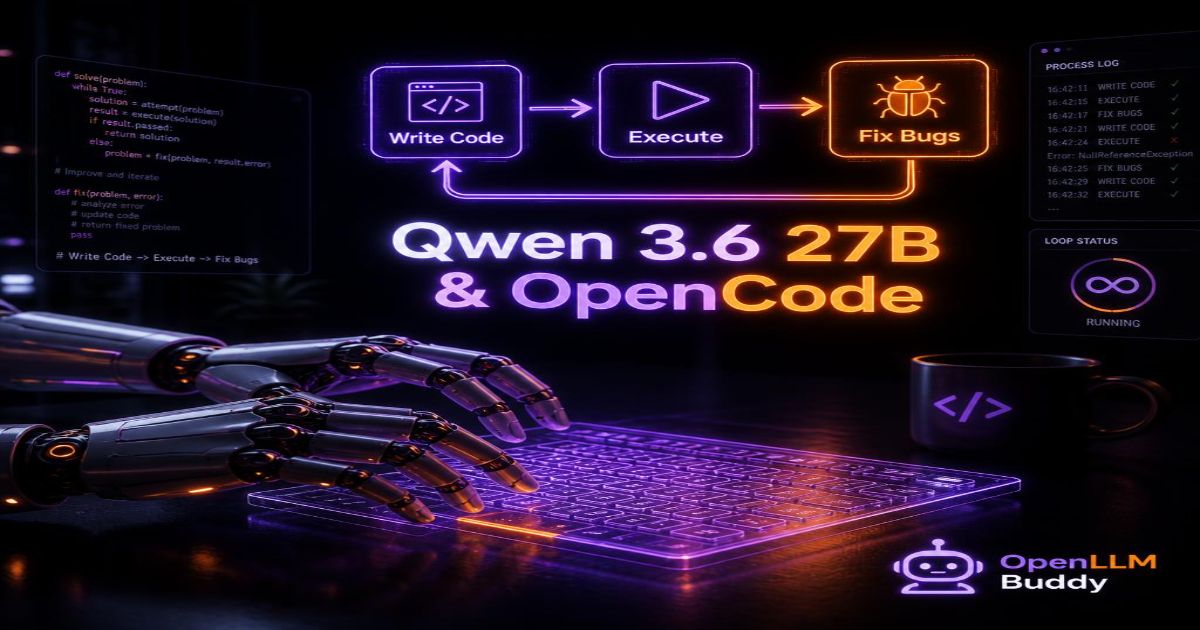
An agentic loop is just like a developer's workflow: the AI writes a line of code, tries to run it, looks at the terminal error message, and adjusts its work until the program works perfectly.
In this tutorial, we're building exactly that. We'll combine:
- Qwen 3.6 27B - Alibaba's powerful dense model famous for elite multi-language coding logic
- OpenCode - A lightweight open framework built to safely manage files and run background code
By the end of this guide, you'll have a fully operational software development agent running on your machine. Let's build it.
2. How the Coding Agent Works (The System Logic Simply Explained)
Before we write code, let me show you the three-part loop that makes your agent work.
The Three Core Steps
1. The Goal Planner
You pass a request like "Create a Node.js API with a login route". The agent reads your project structure and breaks the big task into small, actionable steps:
- Step 1: Create a
package.jsonfile - Step 2: Write the Express server code
- Step 3: Add the login route logic
- Step 4: Install dependencies
- Step 5: Run the server and verify it works
2. The Tool Kit
The agent uses OpenCode to interact with your computer safely:
| Tool | What It Does |
|---|---|
write_file() | Creates new code files on your disk |
read_file() | Reads existing code to understand context |
run_command() | Executes terminal commands (npm install, python test.py) |
list_directory() | Looks at your project folder structure |
3. The Review Step
Here's where the magic happens. If the terminal returns an error, the agent feeds the crash logs back into Qwen 3.6 27B to analyze the typo and rewrite the code automatically.
The Complete Loop Looks Like This:
User Request → Agent Plans Steps → Writes Code → Runs Terminal Command
                                                          ↓
                                              Error or Success?
                                                          ↓
Error → Read Error Log → Send to Qwen → Rewrite Code → Repeat
                                                          ↓
Success → Send Final Result to User
💡 Why this matters: The agent doesn't just guess. It tests its own work, reads the results, and improves iteratively—exactly like a human developer.
3. The Step-by-Step Implementation Guide
Let's build your coding agent. Follow each step carefully.
Step 1: Create a Safe Directory
First, we need an isolated folder where your agent can work. This prevents accidental deletion of important system files.
# Create a safe workspace for your agent
mkdir coding-agent-workspace
cd coding-agent-workspace

# Create subfolders for organization
mkdir agents logs outputs
⚠️ Safety Warning: Never give your agent write access to your system root or home directory. Always confine it to a specific project folder. OpenCode respects these boundaries by default.
Step 2: Set Up Your Python Environment
# Create a virtual environment
python3 -m venv venv

# Activate it (Ubuntu/Mac)
source venv/bin/activate

# For Windows:
# venv\Scripts\activate

# Upgrade pip
pip install --upgrade pip
Step 3: Install Required Packages
# Install OpenCode framework and OpenAI client
pip install opencode-framework openai python-dotenv

# Verify installation
pip list | grep -E "opencode|openai"
Step 4: Create Your Agent Script
Now let's write the actual agent. Create a new file called coding_agent.py:
# coding_agent.py
import os
import json
from openai import OpenAI
from opencode import OpenCodeWorkspace

# Initialize your AI client (we'll update this URL later)
client = OpenAI(
    base_url="http://localhost:8000/v1",  # Local Qwen server
    api_key="not-needed-for-local"
)

# Initialize the workspace (safe file operations)
workspace = OpenCodeWorkspace(project_path="./outputs")

class CodingAgent:
    def __init__(self):
        self.conversation_history = []

    def plan_task(self, user_request):
        """Step 1: Break down the user request into steps"""
        prompt = f"""
        You are a coding agent. Break this request into specific steps:
        Request: {user_request}

        Return a JSON list of steps like:
        ["Create file app.js", "Write Express server code", "Run npm install"]
        """

        response = client.chat.completions.create(
            model="qwen",
            messages=[{"role": "user", "content": prompt}],
            temperature=0.3
        )

        steps = json.loads(response.choices[0].message.content)
        return steps

    def write_code_file(self, filename, code_content):
        """Step 2: Write code to a file"""
        workspace.write_file(filename, code_content)
        print(f"✅ Created file: {filename}")

    def run_terminal_command(self, command):
        """Step 3: Execute a terminal command"""
        result = workspace.run_command(command)
        if result.success:
            print(f"✅ Command succeeded: {command}")
            print(f"Output: {result.stdout}")
        else:
            print(f"❌ Command failed: {command}")
            print(f"Error: {result.stderr}")
        return result

    def fix_error(self, error_log, broken_code):
        """Step 4: Use AI to fix bugs"""
        prompt = f"""
        This code has an error:

        CODE:
        {broken_code}

        ERROR MESSAGE:
        {error_log}

        Please rewrite the code to fix this error. Return only the corrected code.
        """

        response = client.chat.completions.create(
            model="qwen",
            messages=[{"role": "user", "content": prompt}],
            temperature=0.2
        )

        return response.choices[0].message.content

    def execute_task(self, user_request, max_attempts=3):
        """Main agent loop - tries up to 3 times to fix errors"""
        print(f"🚀 Starting task: {user_request}")

        steps = self.plan_task(user_request)
        print(f"📋 Plan: {steps}")

        for step in steps:
            attempts = 0
            success = False

            while attempts < max_attempts and not success:
                print(f"\n🔧 Executing step: {step}")

                # Ask Qwen to write code for this step
                code_response = client.chat.completions.create(
                    model="qwen",
                    messages=[
                        {"role": "system", "content": "You write clean, production-ready code"},
                        {"role": "user", "content": f"Write code for: {step}"}
                    ]
                )

                code = code_response.choices[0].message.content

                # Extract filename from code or step
                filename = f"step_{steps.index(step)}.js"
                self.write_code_file(filename, code)

                # Test the code
                result = self.run_terminal_command(f"node {filename}")

                if result.success:
                    success = True
                    print(f"✅ Step completed successfully!")
                else:
                    attempts += 1
                    if attempts < max_attempts:
                        print(f"⚠️ Attempt {attempts} failed. Fixing error...")
                        fixed_code = self.fix_error(result.stderr, code)
                        code = fixed_code
                        self.write_code_file(filename, code)
                    else:
                        print(f"❌ Step failed after {max_attempts} attempts")
                        return False

        print(f"\n🎉 Task completed successfully!")
        return True

# Run the agent
if __name__ == "__main__":
    agent = CodingAgent()

    # Example: Build a simple web server
    request = "Create a simple Express.js server that returns 'Hello World' on port 3000"

    agent.execute_task(request)
Step 5: Run Your Agent
# Make sure your Qwen server is running (see previous guide)
# Then run the agent
python coding_agent.py
If everything works, you'll see your agent planning, writing files, and testing code automatically!
4. The Loop Trap: Hidden Token Explosions
Here's the massive frustration developers face when scaling autonomous agent apps.
What is Context Compounding?
Every time your agent runs a background loop to test a script, it must re-read the entire history:
- The original user request
- All previous conversation turns
- Every terminal output log
- The existing code structure (which grows with each iteration)
- Error messages from failed attempts
After 10-20 agent loops, your context window becomes massive.
The Two Nightmare Scenarios
The Token Bill Nightmare (Cloud APIs)
If you link your agent to a standard metered API provider that charges you for every single token:
- An agent spinning in a loop for 1 hour trying to solve a tricky bug = thousands of API calls
- Each call includes the growing conversation history = more tokens per call
- Total cost for one debugging session = $20-50 or more
The Local Memory Wall (Your Computer)
If you try to run this 27-billion parameter model on a standard desktop computer:
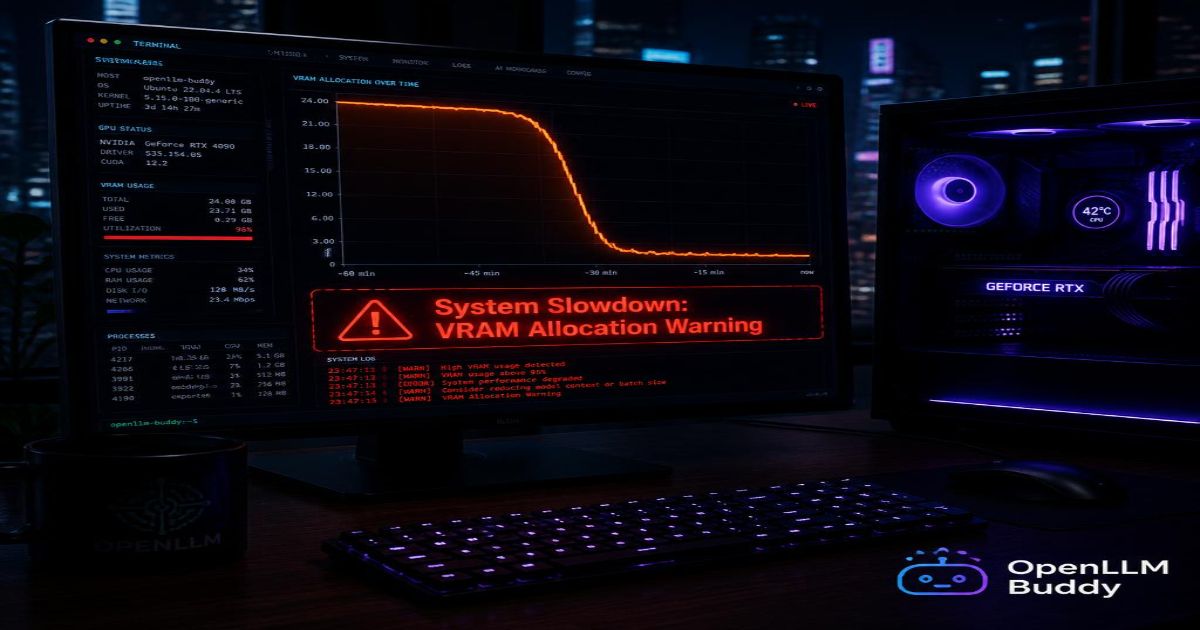
- Intense loop processing quickly triggers an "Out of Memory" (OOM) terminal crash
- Or your token output speed drops to a painful crawl (3-5 tokens/second)
- You can't run the uncompressed model files that give best coding accuracy
💰 Real Math: A coding agent working for 8 hours on a complex project could generate 500,000+ tokens of conversation history. At premium API rates ($15 per million tokens), that's $7.50 just for the history—plus the cost of every code generation and error fix. Daily costs add up fast.
5. Build and Test for Free: Token-Free Clouds with OpenLLM Buddy
Introducing OpenLLM Buddy → https://www.openllmbuddy.cloud/
What OpenLLM Buddy Does
OpenLLM Buddy hosts uncompressed, full-precision Qwen 3.6 27B on heavy-duty cloud graphics card clusters:
- Premium NVIDIA RTX 4090s and next-gen RTX 5090s
- High-speed RunPod server infrastructure
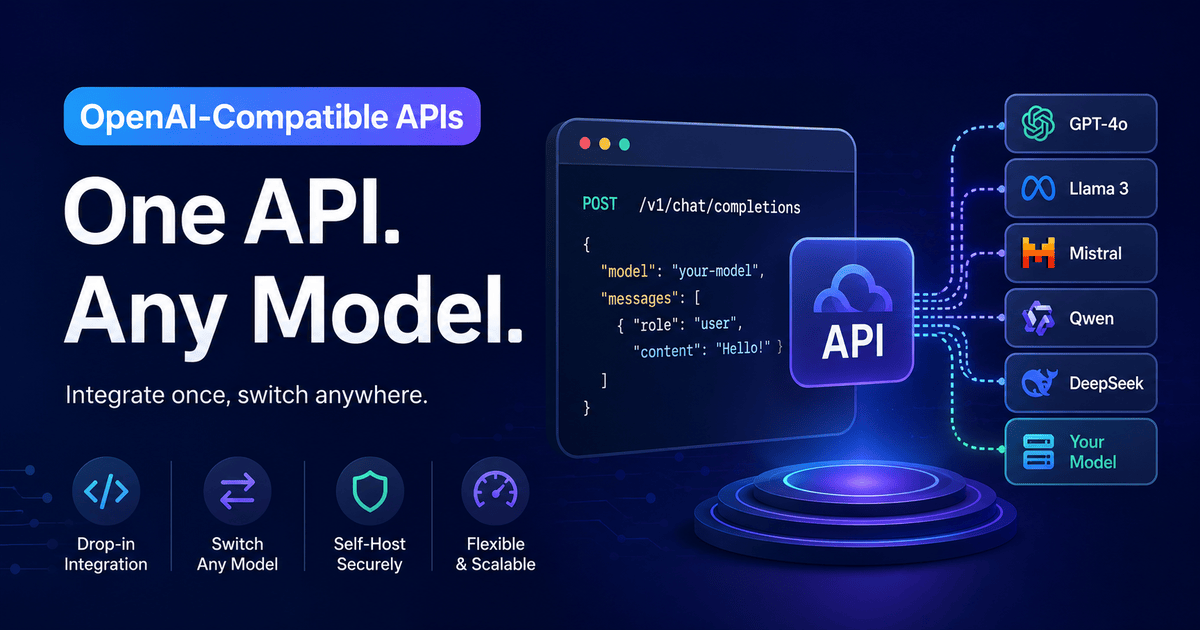
- Instant OpenAI-compatible API link (just change one line of code)
Our Disruptive Value Proposition
OpenLLM Buddy entirely eliminates token counting stress.
We charge your team a tiny flat rate of $0.50 per hour strictly for the raw minutes our cloud hardware is running.
- Your input tokens? 100% FREE
- Your output tokens? 100% FREE
- Your repetitive background agent loops? 100% FREE
- Your massive conversation history re-reads? STILL FREE
Connect Your Agent in Seconds
Update just one line in your coding_agent.py file:
import openai

# BEFORE (Local setup - limited VRAM, slower speed)
# client = openai.OpenAI(
#     base_url="http://localhost:8000/v1",
#     api_key="not-needed"
# )

# AFTER (OpenLLM Buddy - unlimited loops, zero token fees)
client = openai.OpenAI(
    base_url="https://api.openllmbuddy.cloud/v1",
    api_key="YOUR_OPENLLM_BUDDY_KEY"  # Get yours in 60 seconds
)

# Everything else stays exactly the same!
# Your agent now runs on enterprise GPUs with free token processing
The Total Peace of Mind
With OpenLLM Buddy, your coding agent can:
- Run all night generating thousands of lines of code
- Execute infinite background verification loops without budget anxiety
- Use maximum uncompressed precision files (no Q4/Q6 compromises)
- Never crash from OOM errors (enterprise GPUs have 80GB+ VRAM)
Your billing scales strictly based on raw compute time. Let your agent loop 100 times or 10,000 times—the price stays the same as long as the hardware is running.
Start Building Your Coding Agent Today
Here's your action plan:
- Clone the starter code from Step 4 above
- Test locally first with a Qwen server (if you have the hardware)
- Sign up at OpenLLM Buddy
- Swap the API endpoint in
coding_agent.py - Run your first autonomous task:
python coding_agent.py
You now have a production-ready coding agent that writes, tests, and fixes its own code. No token bills. No OOM crashes. Just pure, automated development power.
Log onto OpenLLM Buddy and start running your first coding agent today. 🚀